UI vs UX: What Actually Separates Them
TLDR
The short version of UI vs UX: UI is what the product looks like and how you operate it. UX is whether using it actually gets you where you want to go. UI is the surface; UX is the outcome. You can have a beautiful interface, but people still abandon it, which is why the difference matters.
WHO THIS IS FOR
This is for founders, marketers, and product people who keep hearing these two terms used interchangeably and want a straight answer. Not a design-school lecture. A working understanding you can use in your next hiring conversation or product review.

What is the Difference Between UI and UX?
UI, or user interface, is the visual and interactive layer of a product: the screens, buttons, type, and colors a person sees and touches. UX, or user experience, is the whole experience of using the product to get something done, including whether it makes sense, works, and is worth returning to. UI is part of UX, not a synonym for it.
What Is UI Design?
UI design is the craft of building the surface a person actually touches. Layout, typography, color, spacing, states, the way a button reacts when you hover over it. If you can see it or click it, it is UI.
Good UI does two jobs at once. It makes the product usable, so people can find what they need and act without thinking too hard. And it makes the product feel credible, because people judge software the way they judge everything else, on first impressions. A cramped, inconsistent interface makes a strong product feel unreliable, fairly or not.
The mistake is treating UI as decoration. Hierarchy is a UI decision, and hierarchy tells people what matters. Contrast is a UI decision, and contrast tells people where to look. Those choices shape behavior, not just aesthetics. The interface is where understanding either happens or does not.
What Is UX Design?
UX design is the craft of making the whole journey work. It covers what the product does, how it is structured, what order things happen in, and whether a person ends up where they were trying to go.
UX starts before any screen exists. It asks who this is for, what they are trying to accomplish, and what stands in their way. Then it shapes the flow: what the first session looks like, what happens when something goes wrong, where a person gets stuck. A lot of UX work never shows up as a visible thing on screen, which is exactly why it gets undervalued.
Here is a useful way to hold it. UI is what the product looks like. UX is what it feels like to use, and whether it was worth it. Someone can navigate your interface perfectly and still leave because the experience did not deliver anything they wanted. That gap between operating a product and getting value from it is where most churn lives.
UI vs UX: The Difference at a Glance
The clean way to separate them is by the question each one answers. UI answers “Can I use this?” UX answers “Was it worth using?”
That last row is the one worth pinning up. UI problems tend to cost you trust in the first few seconds. UX problems cost you the user weeks later, often without a single complaint. Both are expensive. They just send the bill at different times.
Can You Have Good UX With Bad UI?
Yes, and it happens more often than people expect. A plain, even ugly product can deliver excellent UX if it does the job quickly and predictably. Plenty of developer tools and internal systems are proof of it.
The reverse also happens, and it is more dangerous. A beautiful interface can hide a broken experience: gorgeous screens, elegant animations, and a user who still cannot figure out what the product is for. That product tends to win design awards and lose customers. It looks like an asset and behaves like a leak.
Neither extreme is where you want to live. Clarity and visual quality are not in tension, and the false choice between them has done real damage to how design gets discussed. A well-designed interface should communicate clearly and feel polished. Strong visual work is not decoration you add after the thinking; it is part of how trust and credibility get built. The goal is a product that is easy to understand and visually refined, because in practice, each one makes the other more believable.
Why Does the Difference Matter for a Business?
Because the two failures cost you in different places, and if you cannot tell them apart, you will keep fixing the wrong one. A UI problem loses people at first impression. A UX problem loses them after they have already signed up.
We call the space between what a product does and what a person thinks it does the Perception Lag. UI usually widens or narrows that gap in the first few seconds, because the hierarchy and clarity of the surface decide whether someone grasps the product at a glance. UX decides what happens after: whether the value shows up before their patience runs out, whether the second session makes sense, whether they get far enough to become a real user.
You can see the practical consequence in how teams misdiagnose problems. Signups are flat, so the team redesigns the interface, and nothing changes, because the actual issue was that people never understood what the product was for. Or retention is bad, so the team polishes the dashboard, when the real problem is that the second session gives the user nowhere to go. The difference between ui and ux is not academic. It is the difference between fixing the thing that is broken and fixing the thing that is easy to see.
If you cannot tell whether your problem is the interface or the experience, a clarity audit sorts it out. We find where people actually get lost and tell you what to fix first.
Get a clarity audit
How Do UI and UX Work Together?
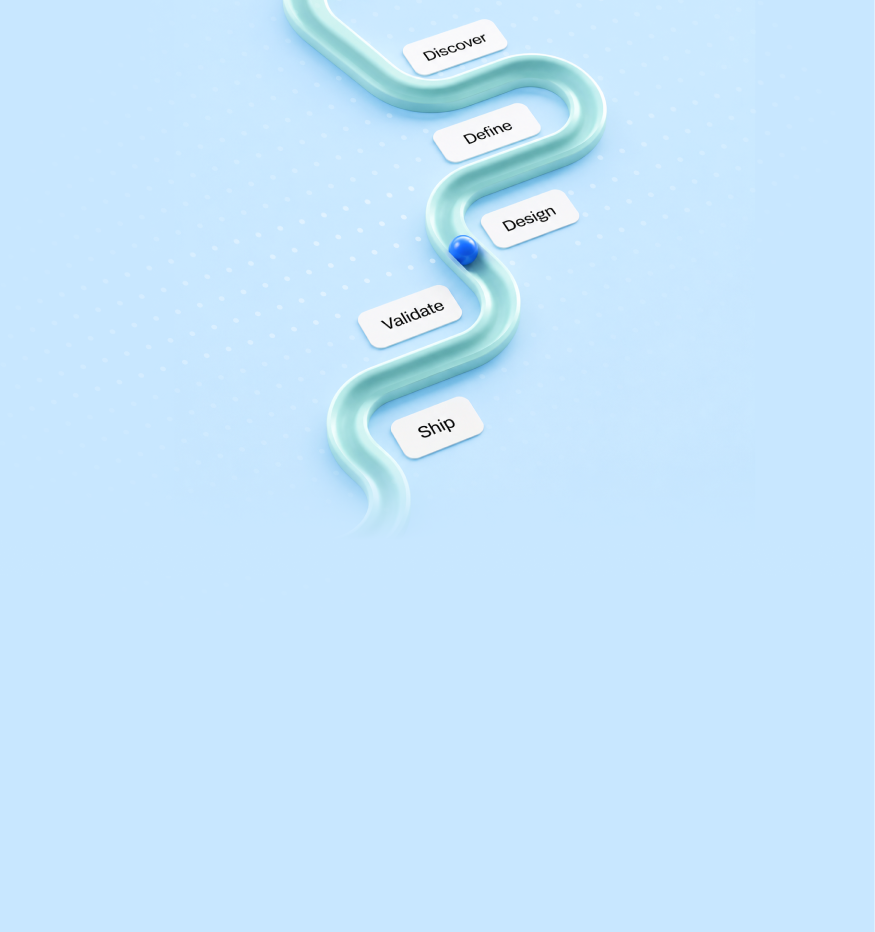
They work in sequence, not in competition. This is the difference between UI and UX. UX decides what should happen and in what order. UI makes that plan legible and quick to act on. Get the order wrong, and you decorate a bad plan.
- Decide who it is for and what they are trying to do. Everything downstream depends on this, and skipping it is why so many products feel like they were designed for nobody in particular.
- Map the path they take. What happens first, what happens next, and where they can get stuck. This is the structure, and it exists before any visual choice is made.
- Design the surface to make that path obvious. Hierarchy, contrast, and spacing point people to the right thing. Now the visual work has a job beyond looking good.
- Handle the moments when things go wrong. Empty states, errors, and the second session. These get skipped constantly, and they are where users quietly disappear.
- 5. Watch real people use it. Every place they hesitate is a place your product is costing you something. Then fix and watch again.
This is why we do not split UI and UX into separate teams that meet at a handoff at Peppermint. The thinking and the surface belong to the same job. When they get separated, you get either a beautiful product nobody understands, or a well-reasoned one nobody trusts, and both fail for the same underlying reason: the story broke somewhere in the middle.
Do You Need a UI Designer, a UX Designer, or Both?
Most early teams need one person who can do both, and most job listings for a “UI/UX designer” are really asking for exactly that. Specialists make sense later, when the product is big enough that each side is a full-time job.
At a small company, splitting the roles too early creates a handoff where none is needed. The person shaping the flow and the person shaping the screens are making the same decisions from different angles, so one head holding both is faster and produces a more coherent product. What matters is that whoever you hire can think about the outcome and not just the pixels, or the reverse, that they can make the thinking visible rather than leaving it buried in a research doc.
When you do hire, the tell is in how a candidate talks about their work. If every story is about visuals and none is about what changed for users, that is a user interface vs UX gap in a portfolio. If every story is about research and none of it produced something you would want to look at, that is the same problem in different clothes. Look for someone who can hold both, because that is what the work actually is.
Frequently Asked Questions
Is UI part of UX?
Yes. The interface is one part of the overall experience, alongside the flow, the structure, and the outcome. A person's experience of a product includes how it looks and how it operates, so UI sits inside UX rather than beside it.
Which matters more, UI or UX?
They fail differently, rather than one being more important. A weak UI costs you trust in the first seconds. A weak UX costs you the user weeks later, usually without a complaint. Products that last need both, and treating them as a trade-off is how teams end up with neither.
Can one person do both UI and UX?
Often, yes, especially at an early-stage company, and most UI/UX roles assume it. Splitting them makes sense once the product is large enough that each side becomes a full-time job. Before that, one person holding both usually produces a more coherent product faster.
What is a UI/UX designer?
Someone who shapes both the experience and the interface: how the product is structured and what a person actually sees. In practice, most product designers at startups do this, moving between the flow and the screens rather than treating them as separate crafts.
Do you need both UI and UX for a SaaS product?
Yes. A SaaS product has to be understood quickly, which is a UI job, and it has to deliver value across repeat sessions, which is a UX job. Getting one right and not the other means either people never start, or they start and quietly stop.
How do you know if your problem is UI or UX?
Look at where people live. If they land and go without acting, the interface is not making the product understandable. If they sign up and then fade out over the following sessions, the experience is not delivering value fast enough. The drop-off point tells you which one to fix first.